



network management

Prevent downtime while simplifying network management
All the information you need to monitor your network is available in one place. Application performance tracking, per user statistics, per application usage, real-time traffic monitoring, reports and alerts are all accessible in the GFI ClearView AI Dashboard.

Resource Center

Application Performance Scoring - Unleash Optimal Network Performance
Unlock the power of GFI ClearView AI’s Application Performance Scoring for unparalleled network monitoring that drives exceptional user experiences.

Enhancing maritime efficiency through GFI ClearView AI in the Starlink era
This document underscores the importance of network traffic monitoring in the maritime industry, particularly in the context of the innovative Starlink technology.
GFI ClearView AI - Admin Guide
Find out how to set up and configure GFI ClearView AI in different environments and how to customize advanced features.
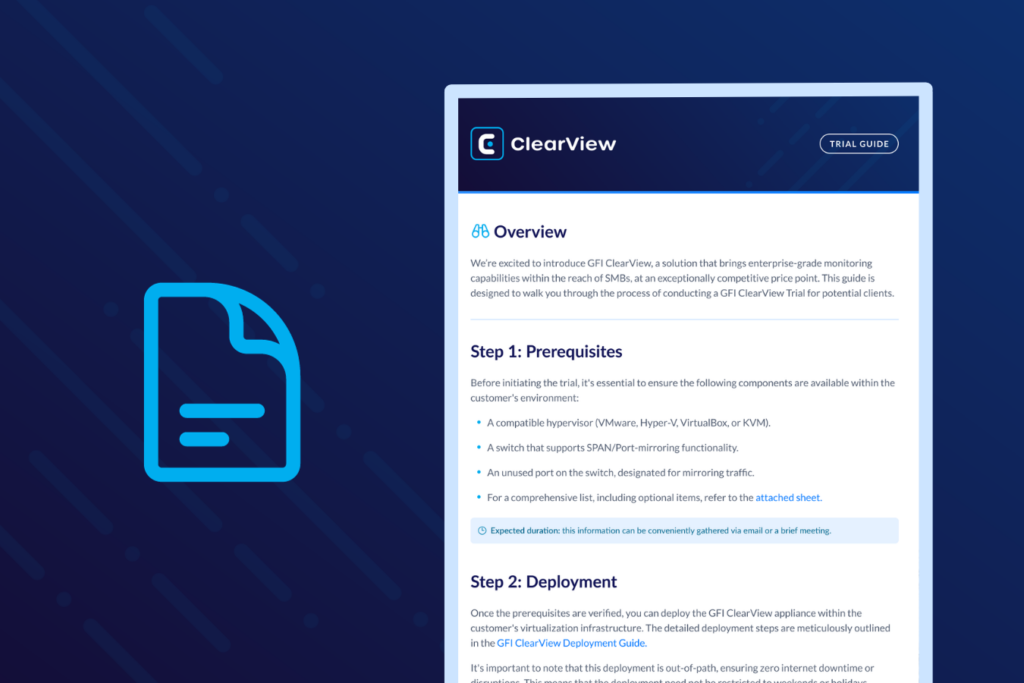
GFI ClearView AI - Trial Guide
This guide is designed to walk you through the process of conducting a GFI ClearView AI trial for potential clients.
GFI ClearView AI - Troubleshooting the deployment
In this guide, we will cover how you can troubleshoot your GFI ClearView AI deployment to identify which part of the link is broken.
CASE STUDY
NASA optimizes Antarctic research data with GFI Exinda AI
NASA’s McMurdo Station operates in Earth’s most remote location, where limited satellite connectivity and Antarctic conditions create bottlenecks for transmitting data. See how GFI Exinda AI helps NASA maximize precious bandwidth, ensuring research data reaches global partners who depend on it for space missions and climate science.
INDEPENDENT REVIEW
4.9/5 stars from a Microsoft MVP
An independent Microsoft MVP test drove GFI Exinda AI. Read his objective analysis and see why he gives Exinda AI 4.9/5 stars.
Ready to monitor your entire network with reliable real-time reporting?
Application performance tracking, per user statistics, per application usage, real-time traffic monitoring, reports and alerts are all accessible in the GFI ClearView AI Dashboard.