Announced in Prague: Eloquens® AI is now built directly into GFI KerioConnect®.

Guides, videos and documentation.

Datasheets, admin guides, case studies, webinars and videos for every GFI product, in one place. Filter by product or resource type.
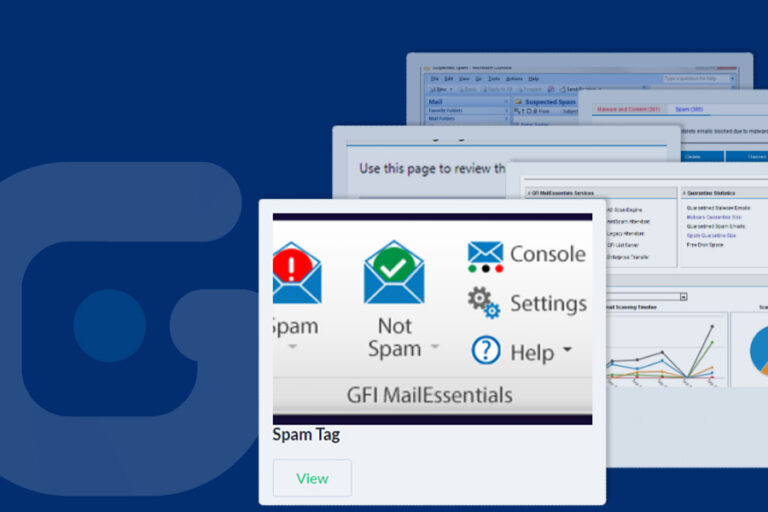
GFI MailEssentials AI – Screenshots
Screenshots
MailEssentials
View several screenshots of GFI MailEssentials AI and its features.
GFI MailEssentials AI – Product Releases
Documentation
MailEssentials
Check out the latest product development, including product launches, releases, and upgrades for GFI MailEssentials AI
GFI MailEssentials AI – Raque Food Systems
Case Studies
MailEssentials
[GFI] added antivirus protection which is a huge plus. You can never have too much protection.
GFI MailEssentials AI – Recommended Antivirus and backup exclusions
Videos
MailEssentials
It is important to take backups of your GFI MailEssentials AI product configurations as, in the event of data loss, GFI cannot recover your configuration.
GFI MailEssentials AI – How to install GFI MailEssentials AI
Videos
MailEssentials
The location where you install GFI MailEssentials AI is typically defined by your email infrastructure. For more information on this topic we recommend you read the GFI MailEssentials AI administration manual.
GFI MailEssentials AI – How to remove users from GFI MailEssentials AI user list
Videos
MailEssentials
The way in which you remove users from the user configured list in GFI MailEssentials AI depends on the installation of the software.
GFI MailEssentials AI – How to enable keyword filtering in GFI MailEssentials AI
Videos
MailEssentials
GFI MailEssentials AI has a powerful content filtering engine which can block emails by matching keywords found in the email body or subject.
GFI MailEssentials AI – How to create and submit troubleshooting logs
Videos
MailEssentials
Start by launching the troubleshooter. Go to All Programs, find the GFI MailEssentials AI folder in question and select troubleshooter.
GFI MailEssentials AI – How to enable attachment filtering in GFI MailEssentials AI
Videos
MailEssentials
GFI MailEssentials AI has a powerful content filtering engine which can block emails for a number of reasons.
GFI MailEssentials AI – How to enable email digest reports in GFI MailEssentials AI
Videos
MailEssentials
GFI MailEssentials AI can automatically send out digest emails. Spam digest is a report which includes a list of all the spam emails that GFI MailEssentials AI blocked. You can schedule the report as needed
GFI MailEssentials AI – GFI MailEssentials AI product review from TechGenix
Awards and Reviews
MailEssentials
GFI MailEssentials AI review by Nuno Mota from TechGenix
GFI MailEssentials AI – How does the GFI MailEssentials AI multi-server feature work
Videos
MailEssentials
A GFI MailEssentials AI multi-server network can be enabled by promoting one of the servers to be a master server while all the other servers are set to connect to it as slave.